
AI Music Generator and Tools by Musik
Musik is an AI music generator and editing workspace for original tracks, AI music covers, extended clips, vocal removal, and music style cloning.
No music generated yet
Enter a prompt and click "Generate Music" to create your AI-powered music track
AI Music Generator Tools for Creating, Remixing, and Editing Songs
Musik combines an AI music generator with Music Cover, Music Extender, Vocal Remover, and Music Clone tools so creators can move from idea to finished audio faster.
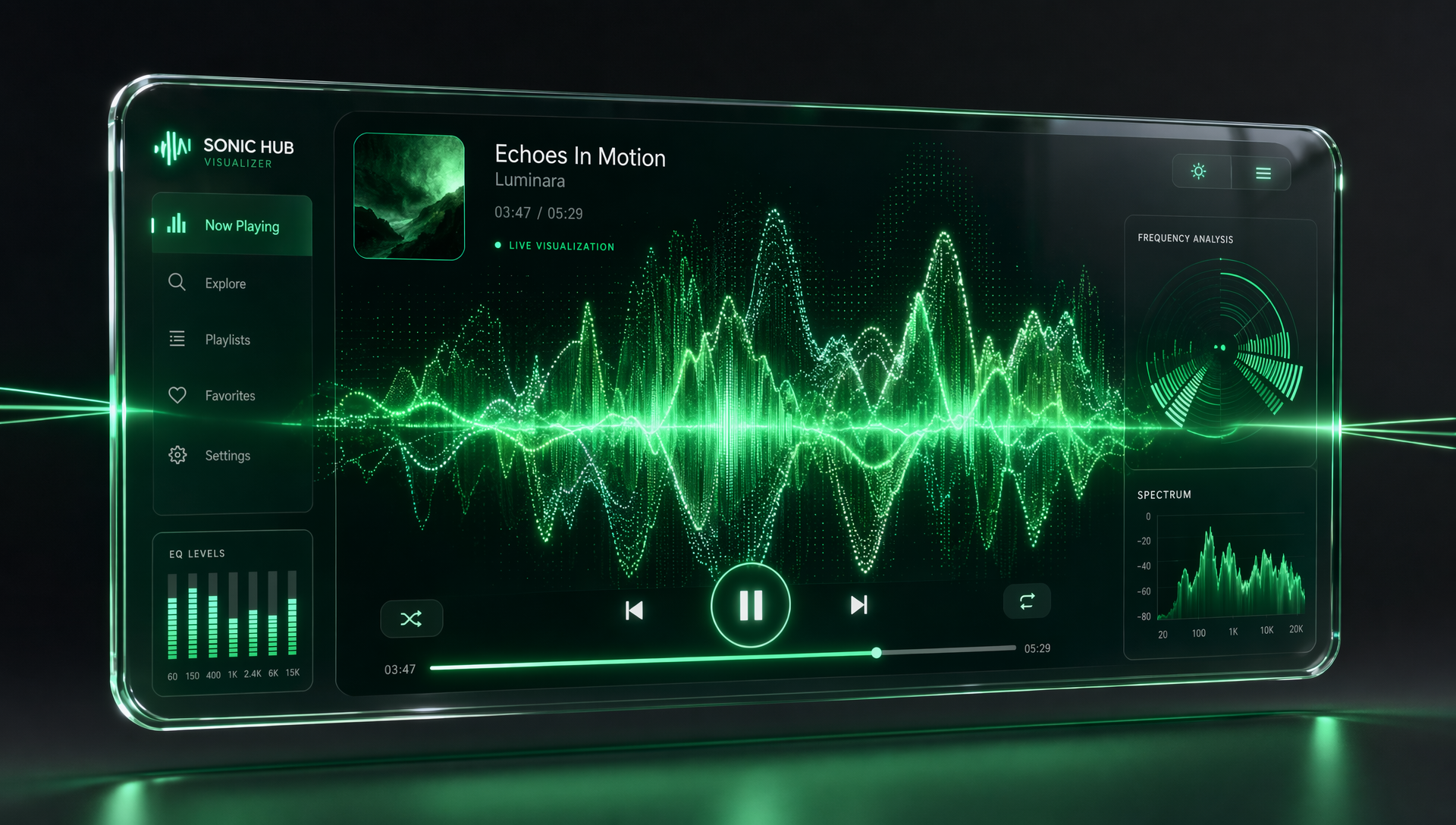
AI Music Generator: Create Original Tracks Fast
Start with a simple idea, genre, mood, or lyric direction and Musik's AI music generator helps create original music with vocals, arrangement, and polished production. Create demos, social tracks, background music, or full song ideas without a studio setup.
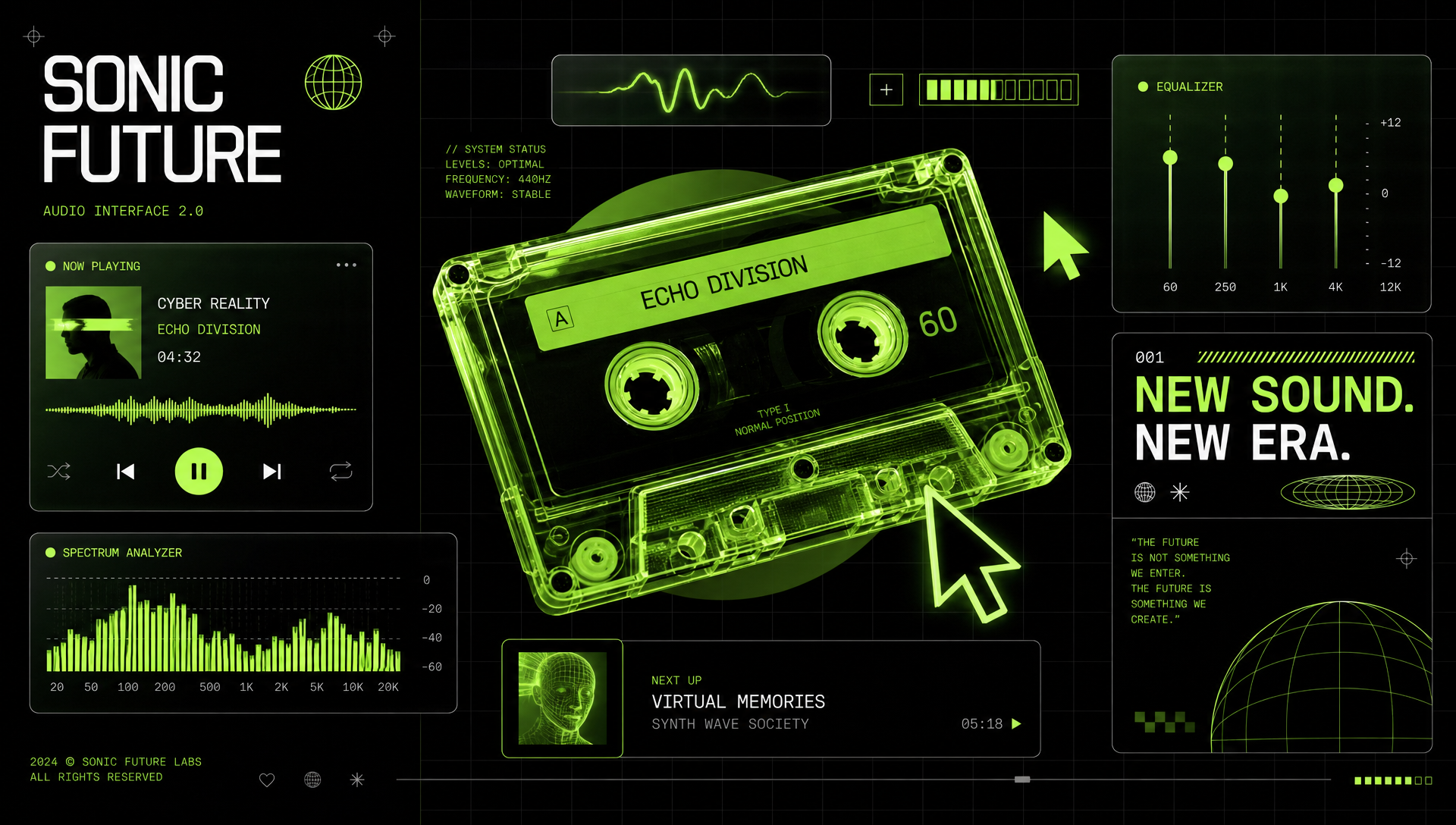
Music Cover: Reimagine Songs in New Voices and Styles
Use Musik's AI music cover tool to transform a song into a fresh version with a different vocal feel or genre direction. It is built for creators who want covers, reinterpretations, and alternate versions without complex production work.

Music Extender: Turn Short Ideas into Longer Tracks
Extend hooks, loops, demos, and unfinished clips into longer arrangements while keeping the musical direction consistent. Musik helps you build intros, verses, outros, and extra sections from audio that already has the right spark.
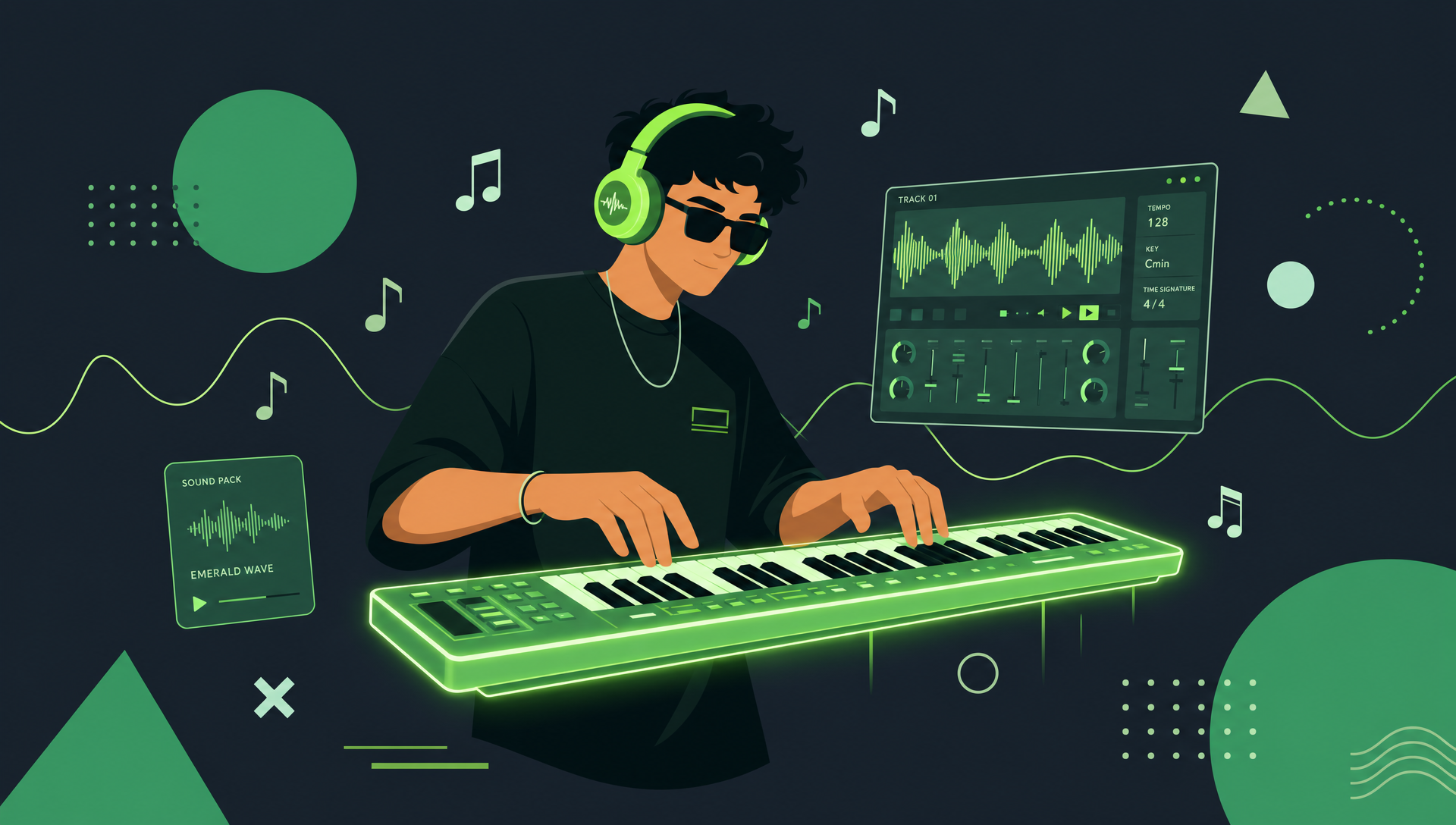
Vocal Remover: Separate Vocals and Instrumentals
Upload a song and quickly isolate vocals or create a clean instrumental version. Use Vocal Remover for karaoke tracks, remix prep, sampling workflows, practice sessions, and cleaner audio editing.
Music Clone: Capture a Sound and Build Variations
Use Music Clone to recreate the feel of a reference track, preserve a musical identity, or produce new variations inspired by an existing sound. It helps you keep style, tone, and energy consistent across creative ideas.
Create and Edit Music in 3 Steps
Choose the Musik AI music generator or editing tool you need, add your prompt or audio, then generate, refine, and download your result.
Choose the Right AI Music Tool
Pick Generate Music for new songs, Music Cover for fresh versions, Music Extender for longer arrangements, Vocal Remover for separation, or Music Clone for reference-based variations.
Add Your Prompt, Song, or Reference Audio
Enter a creative direction, upload a track, or provide a reference depending on the workflow. Musik handles the production task while giving you room to guide style, vocals, length, and sound.
Preview, Refine, and Download
Listen to the result, make adjustments when needed, and download the finished audio. Use Musik for quick drafts, polished versions, remix assets, instrumentals, and share-ready music.
Why Musik Stands Out
A complete AI music generator workspace for generating, covering, extending, separating, and cloning music.
🎵 Generate Music for Original Song Ideas
Create original tracks from a creative direction, mood, genre, or lyric idea. Musik's AI music generator helps turn early concepts into usable music for videos, social content, demos, and personal projects.
🎤 Music Cover for New Versions
Rework songs into alternate styles and vocal directions with the AI music cover workflow. Build creative covers, reinterpretations, and genre swaps faster than traditional production.
🎛️ Music Extender for Longer Arrangements
Turn short clips, hooks, loops, and unfinished ideas into extended tracks. Keep the core sound intact while adding more structure and usable runtime.
🎚️ Vocal Remover for Clean Stems
Separate vocals and instrumentals for karaoke, remixing, sampling, practice, and editing. Get cleaner source material without manual stem separation.
🧬 Music Clone for Consistent Style
Reference an existing sound and create new variations that keep the musical identity consistent. Useful for creators who want related tracks, branded audio, or style-matched ideas.
⚡ One Workspace for AI Music Production
Instead of switching between separate tools, Musik brings generation, covers, extension, vocal removal, and cloning into one simple AI music workflow.
AI Music Generator Tools FAQ
Common questions about Musik's AI music generator, Music Cover, Music Extender, Vocal Remover, and Music Clone tools.
What AI music tools does Musik include?
Musik includes an AI music generator, Music Cover, Music Extender, Vocal Remover, and Music Clone. These tools help you create original tracks, make cover versions, extend clips, separate vocals, and produce style-based variations.
Can I generate original music with Musik?
Yes. Use Generate Music to create new tracks from a creative direction, mood, genre, lyric idea, or production style. It is designed for quick song ideas, demos, background music, and share-ready audio.
What does Music Cover do?
Music Cover helps transform a song into a new version with a different style, vocal direction, or creative interpretation. It is useful for covers, remixes, and alternate versions.
How does Music Extender help creators?
Music Extender turns short audio clips, loops, hooks, and unfinished demos into longer tracks. It helps add structure and runtime while keeping the original musical direction.
Can I remove vocals from a song?
Yes. Vocal Remover separates vocals and instrumentals so you can create karaoke tracks, prepare remix assets, practice with backing tracks, or clean up audio for editing.
What is Music Clone used for?
Music Clone helps create new musical variations inspired by a reference sound. It is useful when you want consistent style, tone, energy, or musical identity across multiple tracks.